



- Published on: 2026-11-16 09:35:00
How to Download MT5 on iOS and Android
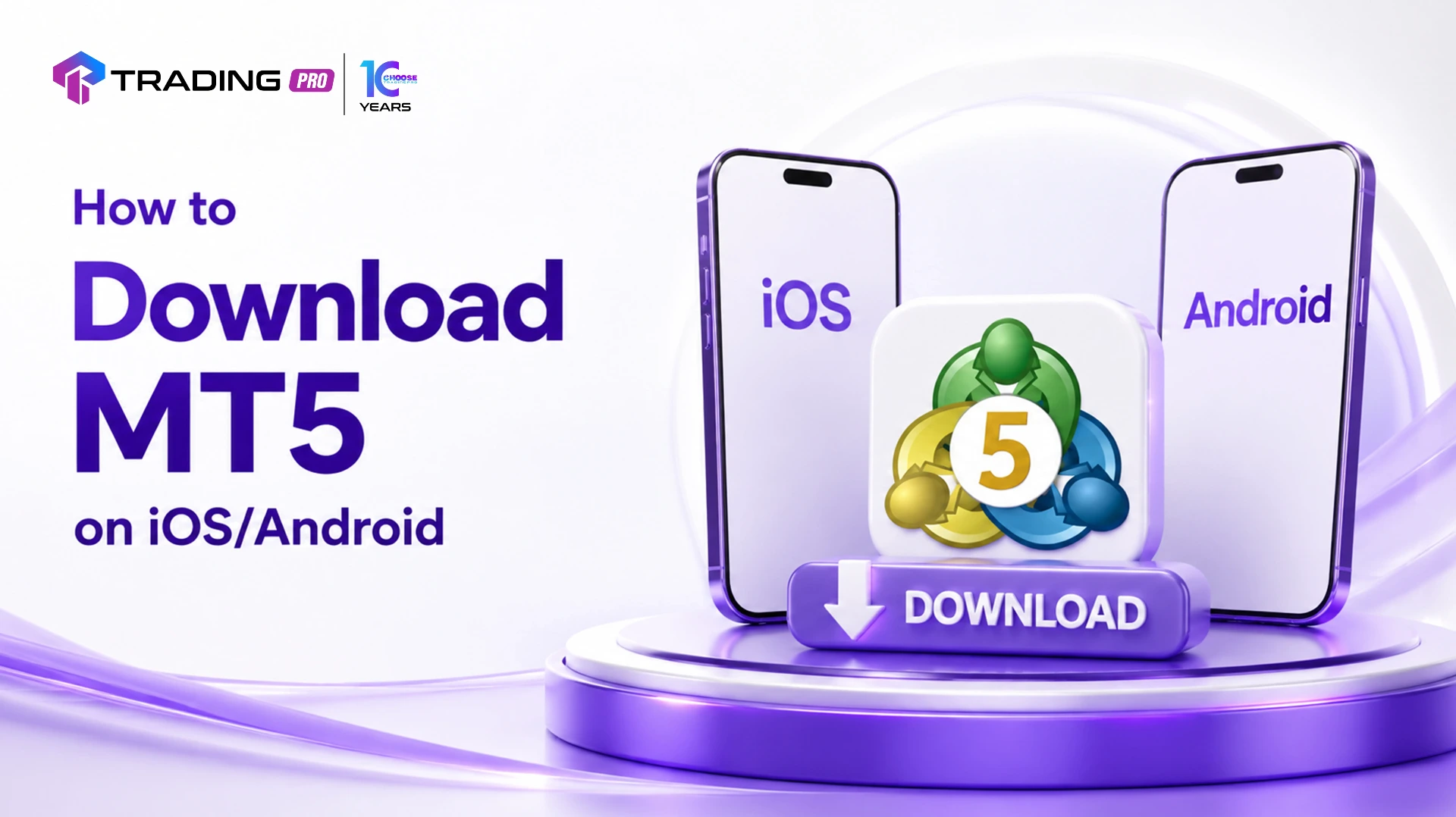
Trading doesn't stop when you step away from your desk, and MetaTrader 5 (MT5) was built with that reality in mind. The MT5 mobile app gives you full access to your trading account from an iPhone, iPad, or Android device, letting you monitor positions, place trades, and manage risk from wherever you are. Getting started is straightforward, but a few setup steps matter if you want your mobile experience to run smoothly from day one.
This guide walks through exactly how to download MT5 on both iOS and Android, and how to log in to your existing trading account once it's installed.
What You'll Need Before You Start
Before downloading the app, make sure you have:
- A stable internet connection
- Your MT5 account login number
- Your MT5 trading password
- Your broker's server name, which TradingPRO provides during account setup or within your client portal
Having these details ready before installation means you'll be able to log in immediately once the app finishes downloading, rather than needing to pause and track them down.
How to Download MT5 on iOS (iPhone and iPad)
Step 1: Open the App Store
Locate and tap the App Store icon on your iPhone or iPad's home screen.
Step 2: Search for "MetaTrader 5"
Tap the search icon and type "MetaTrader 5." Make sure you select the official app published by MetaQuotes Software Corp, since several unrelated apps may appear in the results with similar names or icons.
Step 3: Download and Install
Tap Get, then confirm using Face ID, Touch ID, or your Apple ID password, depending on your device settings. The app will download and install automatically.
Step 4: Open the App
Once installed, tap Open directly from the App Store, or locate the MT5 icon on your home screen.
How to Download MT5 on Android
Step 1: Open Google Play Store
Locate and tap the Play Store icon on your Android device.
Step 2: Search for "MetaTrader 5"
Tap the search bar and type "MetaTrader 5." As with iOS, confirm the app is published by MetaQuotes Software Corp before proceeding.
Step 3: Download and Install
Tap Install. The app will download and install automatically, and you'll see a progress indicator during the process.
Step 4: Open the App
Once installation completes, tap Open directly from the Play Store, or locate the MT5 icon in your app drawer or home screen.
Logging In to Your Account After Installation
Once MT5 is installed on either platform, the login process is identical:
Step 1: Launch the App
Open MT5 from your home screen. If this is your first time opening it, you may see a welcome screen with an option to open a demo account. Look instead for an option to log in to an existing account.
Step 2: Select "Login to an Existing Account"
Tap this option rather than creating a new demo account, since you'll be connecting to your existing TradingPRO trading account.
Step 3: Search for Your Broker's Server
In the server search field, type "TradingPRO" or your specific server name as provided in your account welcome email or client portal. Select the correct server from the list that appears.
Step 4: Enter Your Login Credentials
Input your account number in the Login field and your trading password in the Password field.
Step 5: Confirm and Connect
Tap Sign In or Login to connect. Once authenticated, you'll be taken directly to your account's main trading screen, showing your open positions, account balance, and available markets.
Setting Up Your Mobile App for First Use
Once logged in, a few quick adjustments can make ongoing use much smoother:
- Enable push notifications: Go to your account settings within the app to receive alerts for price movements, order executions, and important account updates.
- Add your preferred instruments: Tap the search icon within the Quotes tab to add the specific symbols you trade most often, keeping your watchlist relevant.
- Enable biometric login: Many versions of the app support Face ID, Touch ID, or fingerprint login, saving you from retyping your password every session.
- Review notification and data settings: Adjust how much background data the app uses, particularly useful if you're mindful of mobile data consumption.
Troubleshooting Common Download and Login Issues
- App not found in search results: Double-check your spelling, and confirm you're searching the correct store for your device (App Store for iOS, Play Store for Android).
- Login fails despite correct password: Confirm you've selected the correct server, since entering correct credentials on the wrong server will still result in a failed login.
- App won't install: Check that your device has sufficient storage space and that your operating system meets the app's minimum version requirements, which are listed on the store's app page.
- Can't locate your server name: Check your account welcome email, client portal, or contact TradingPRO support directly to confirm the exact server name associated with your account.
Final Thoughts
Downloading MT5 on iOS or Android takes only a few minutes, and once your account is connected, you'll have full trading functionality available directly from your phone or tablet. Whether you're checking on open positions during a busy day or placing a trade while away from your desk, the mobile app keeps your account within reach whenever you need it.a
If you haven't already, download MT5 on your device now and log in using your TradingPRO account details. Once set up, take a few minutes to explore the app's layout so you're comfortable navigating it before you need to rely on it in a fast-moving market.


